Aggregator for WordPress

Turn this feed into WordPress content

Feed Finder gives you the source URL. Aggregator turns that source into curated lists, imported posts, podcast archives, video hubs, and monitored content streams inside WordPress.

Choose the workflow

Three ways to use a feed

01

Display curated links

Show a list, excerpt layout, or grid of external articles while keeping attribution and source links intact.

See display options
02

Import as WordPress posts

Convert feed items into real posts with titles, dates, authors, images, and content rules you control.

See Feed to Post
03

Filter before publishing

Add keyword rules, duplicate checks, and schedules before high-volume or noisy feeds reach your site.

See Automations

From feed to site

The handoff is simple

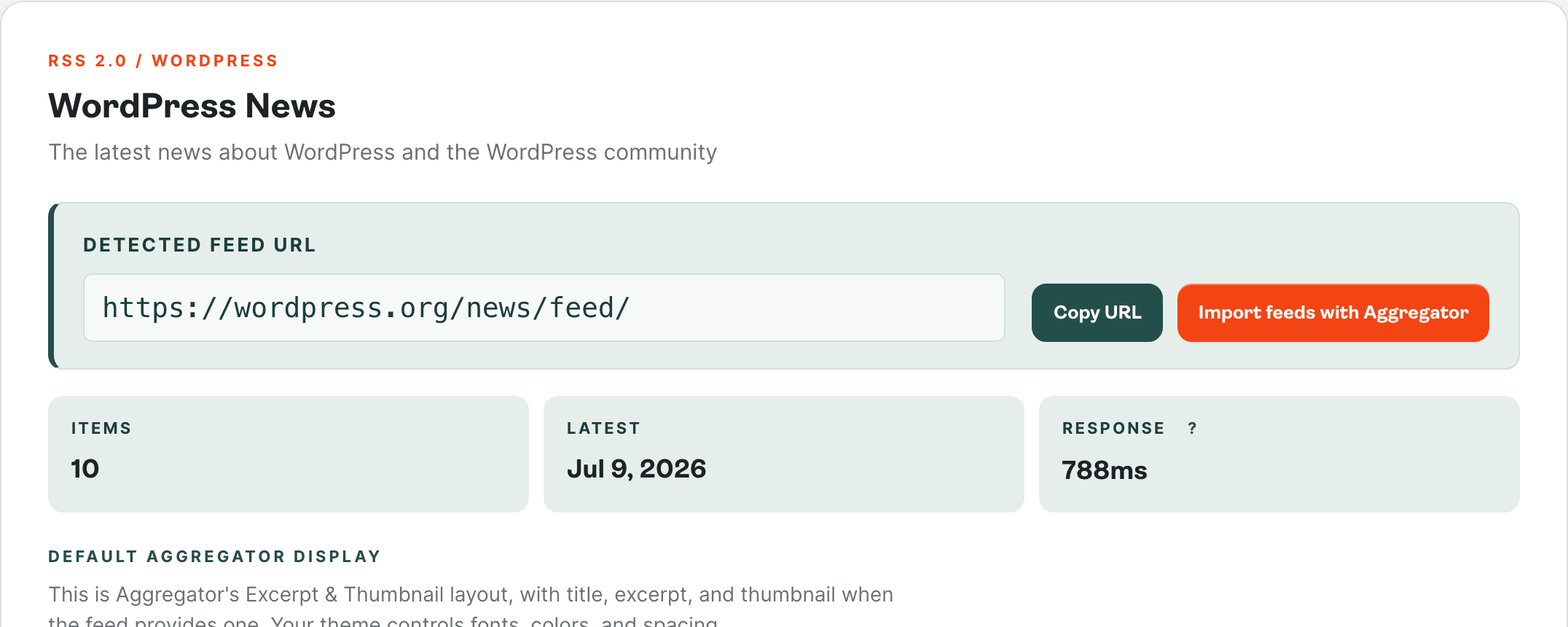
  1. Feed Finder result card with the detected RSS feed URL highlighted and a Copy URL actionCopy the validated feed URL
    Step 01

    Copy the feed URL

    Detect a working feed in Feed Finder, then copy the URL straight from the result card.
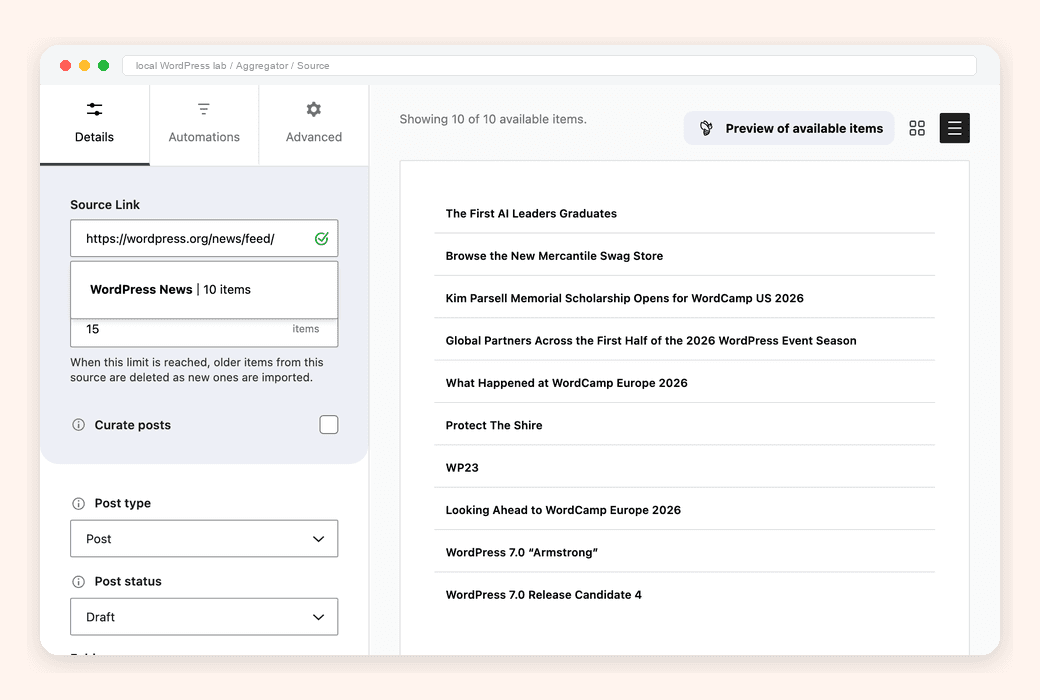
  2. Aggregator feed source editor with the WordPress News feed URL validated and recent feed items listed
    Step 02

    Add it as a source in Aggregator

    Paste the feed URL into the Add New Feed Source screen inside WordPress.
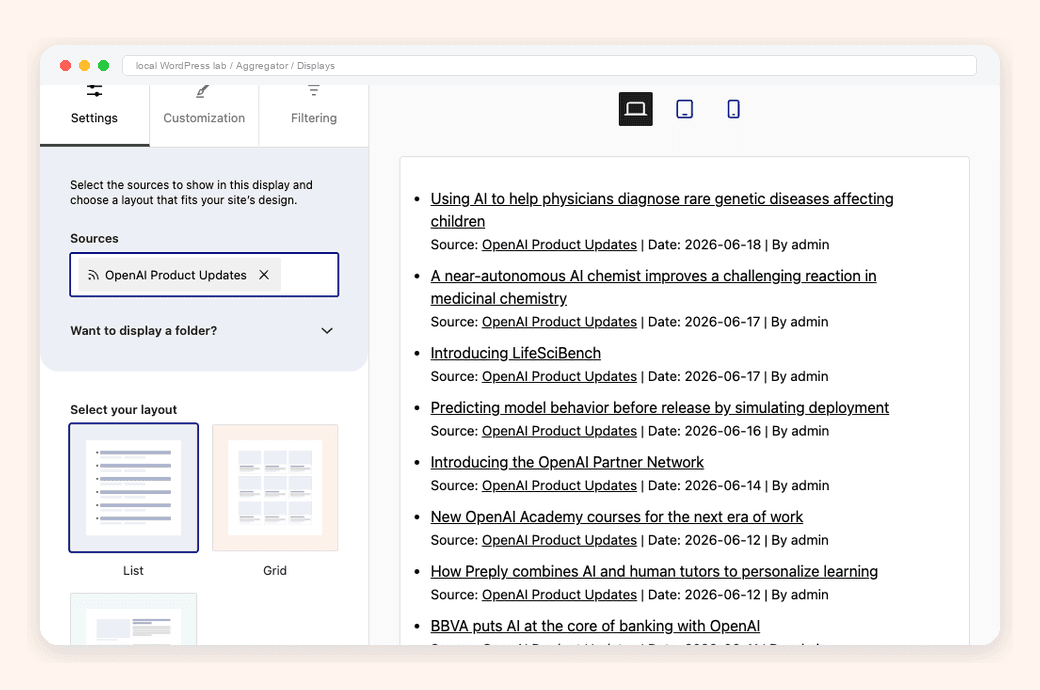
  3. Aggregator Displays editor with a source selected, layout controls, and a live list preview
    Step 03

    Choose display, import, and filter rules

    Pick a display layout, decide whether to import as posts, and add keyword or duplicate filters before anything publishes.
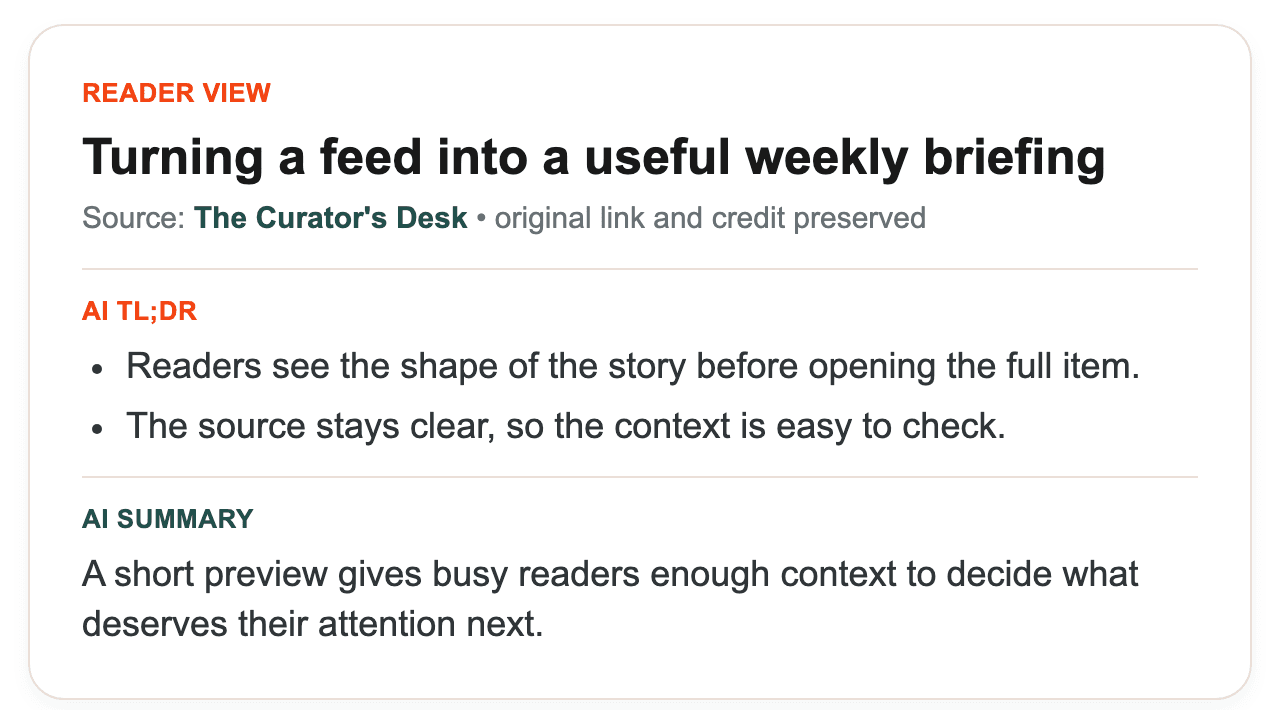
  4. Published reader view showing a feed item with source attribution, an AI TL;DR, and an AI summary
    Step 04

    Publish anywhere your theme renders

    Drop the curated output into a page, post, or template using a block, shortcode, or theme widget.